
01
It finds your gateway.
KrillMind reads the gateway’s address and key from OpenClaw’s config and connects. If the gateway isn’t running, KrillMind starts it.
For OpenClaw, on a Mac
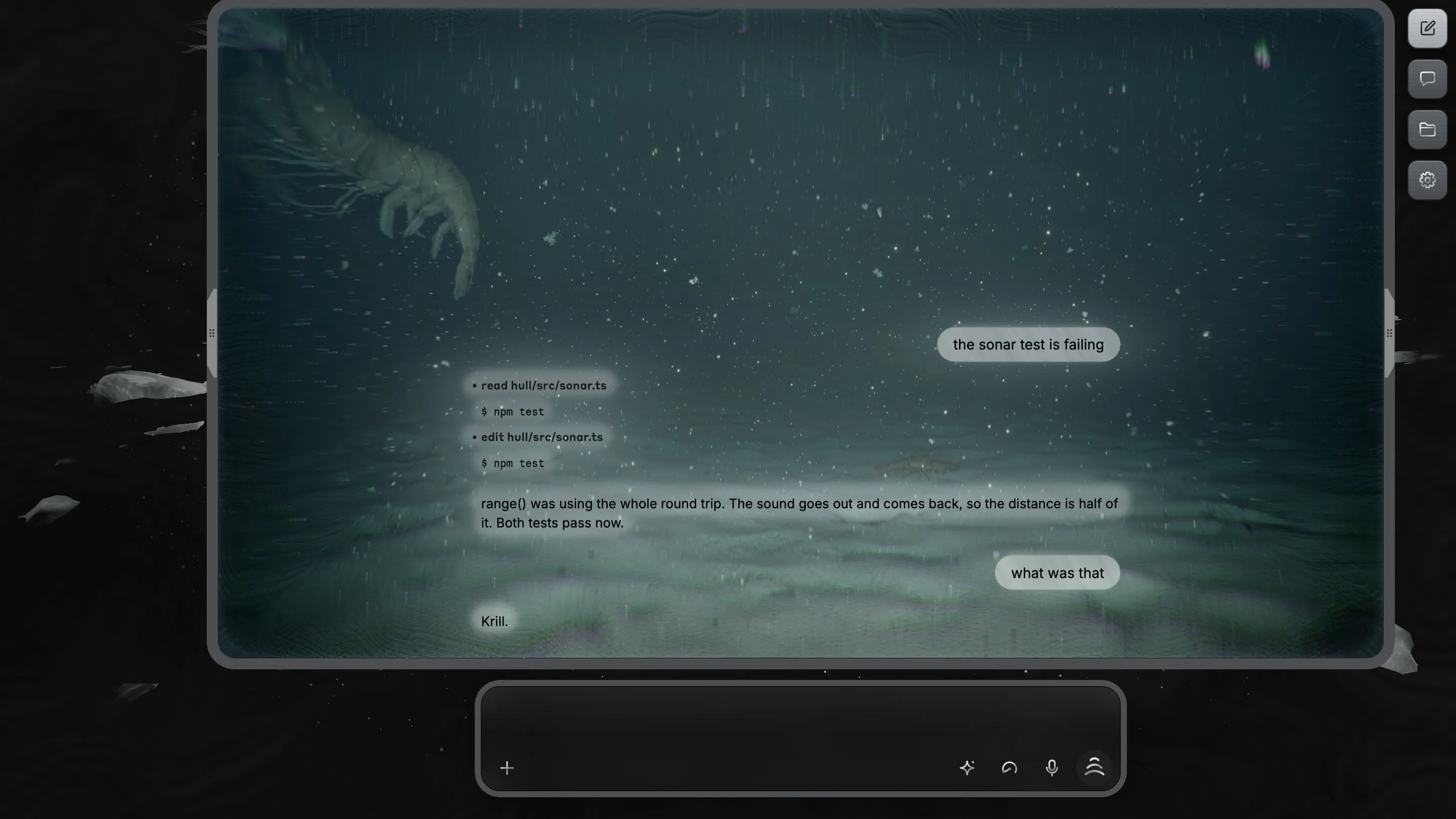
KrillMind is a desktop app for OpenClaw. You type at the bottom of a submarine window, and the agent writes its replies in the condensation on the glass.
Drag it into Applications. If OpenClaw isn’t installed, KrillMind installs it for you.
01 / The glass
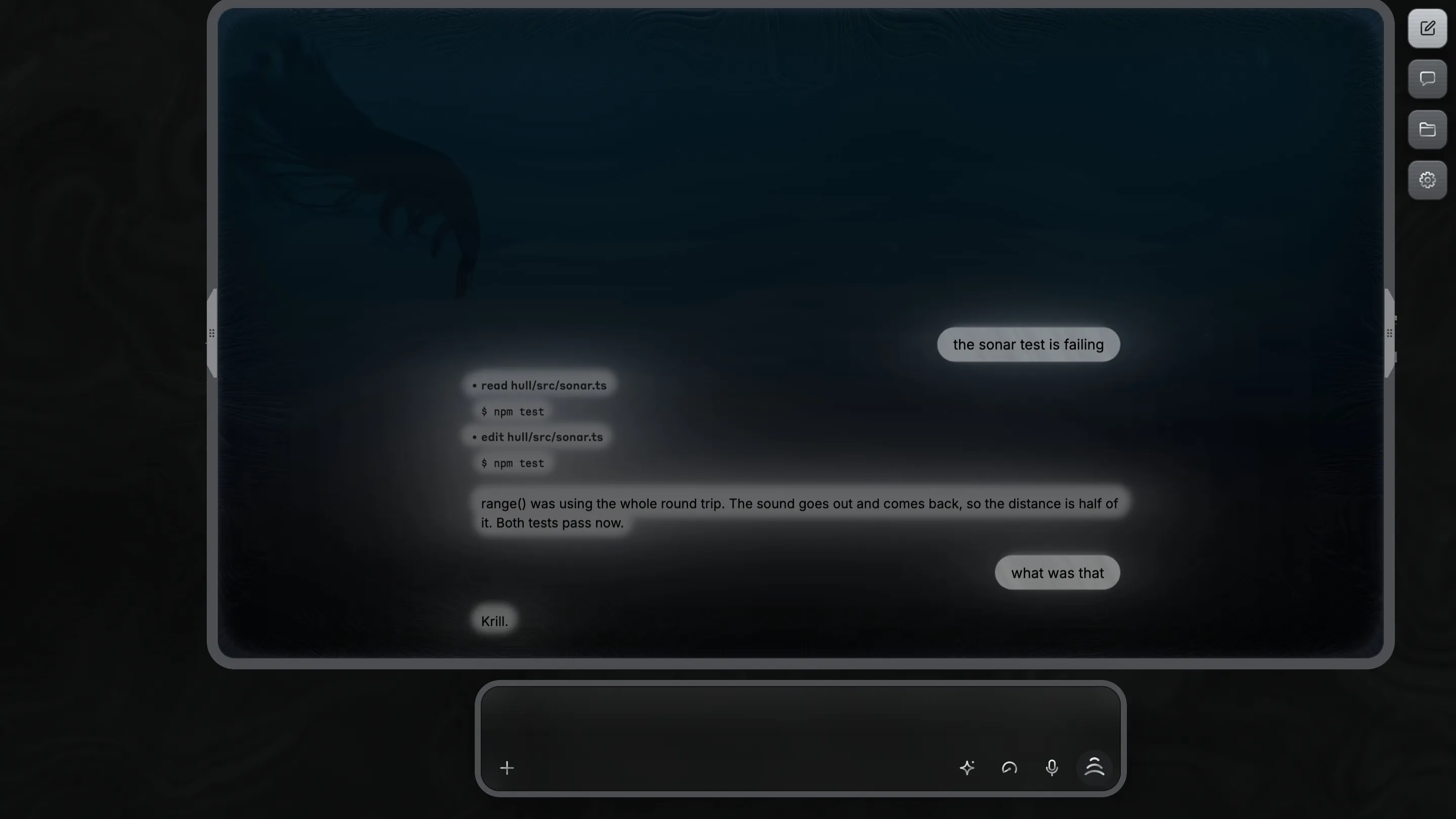
The sea outside is rendered live, and the seabed is different every time you open the app. What the agent says, it writes in the condensation on the glass.
CHAT
Each letter is cleared through the fog, so you read it against the black water behind. When the agent writes a file, the code streams onto the glass instead.
SETUP
KrillMind reads OpenClaw’s own config, so it connects without asking you for a key. On a Mac with no OpenClaw, the Provider page installs it, then lists the providers you can sign in to.
What’s in Settings02 / Setup
KrillMind talks to the OpenClaw gateway on your Mac. Your agents and their memory stay where they are.
KrillMind reads the gateway’s address and key from OpenClaw’s config and connects. If the gateway isn’t running, KrillMind starts it.
With no OpenClaw on the Mac, the Provider page runs OpenClaw’s own installer. It doesn’t need an admin password.
The gateway runs on your Mac and KrillMind connects to it there. The Files panel reads the agent’s workspace straight from disk.
An outline of it opens from the Settings button under the screenshot at the top.
03 / OpenClaw
Its code is public, so you can read what the agent does before you let it do it.
Type / and the list comes from your gateway, your skills’ and plugins’ commands included.
What you change for OpenClaw in Settings goes through the gateway into openclaw.json, the same file its terminal uses.
04 / Contact
Bugs and ideas go on the repository as issues, and fixes as pull requests. To reach me directly, my profile is on GitHub too.